Dell
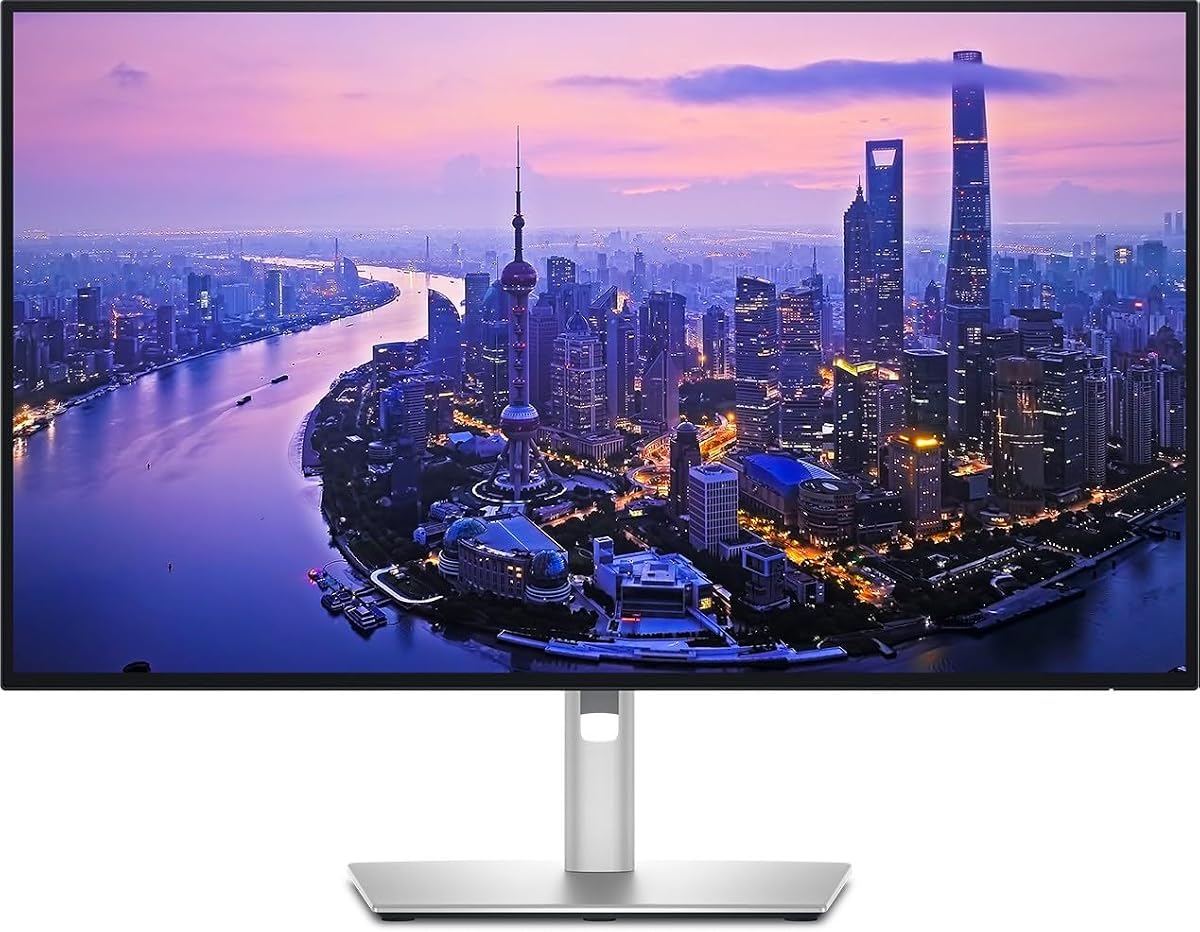
Dell UltraSharp U2725QE 27-Inch 4K UHD IPS Black Monitor
As an Amazon Associate I earn from qualifying purchases.
View Dell UltraSharp U2725QE 27-Inch 4K UHD IPS Black Monitor on AmazonYou pay the same either way.Specifications
| Panel | 27-inch 4K UHD IPS Black |
|---|---|
| Connectivity | HDMI 2.1, USB-C, USB-A, Ethernet |
| Docking | Doubles as a single-cable laptop dock |
| Best use | Consistent color for spreadsheets and documents |
Pros & cons
Pros
- One-cable docking with HDMI 2.1, USB-C, USB-A, and Ethernet built in
- IPS Black panel keeps color and viewing angles consistent for spreadsheets and documents
- Sharp 4K text across 27 inches
Cons
- 4K at 27 inches leans on OS-level scaling, which some older apps handle awkwardly
- As an IPS panel, its dark-room black levels fall short of the deeper contrast OLED or VA screens deliver
Skip it if
Skip it if you rely on older applications that handle OS-level scaling awkwardly, or if you have no use for the built-in dock and broad connectivity.
How we assessed it
We synthesized this
The Dell UltraSharp U2725QE does double duty. It's a 27-inch 4K IPS Black panel whose color and viewing angles stay consistent — a real help when you're staring at spreadsheets and documents all day — and its built-in HDMI 2.1, USB-C, USB-A, and Ethernet let it work as a single-cable laptop dock. One cable carries the picture and your peripherals, so the desk stays tidy. It's made for a laptop-based office worker who wants sharp text and fewer cables.
Two honest trade-offs. At 27 inches, 4K leans on OS-level scaling, which some older applications handle awkwardly. And as an IPS panel, its black levels in a dark room fall short of the deeper contrast an OLED or VA screen delivers. Our read is a synthesis of the documented panel and connectivity and Dell's UltraSharp reputation, not a hands-on test — see how we test.