ASUS
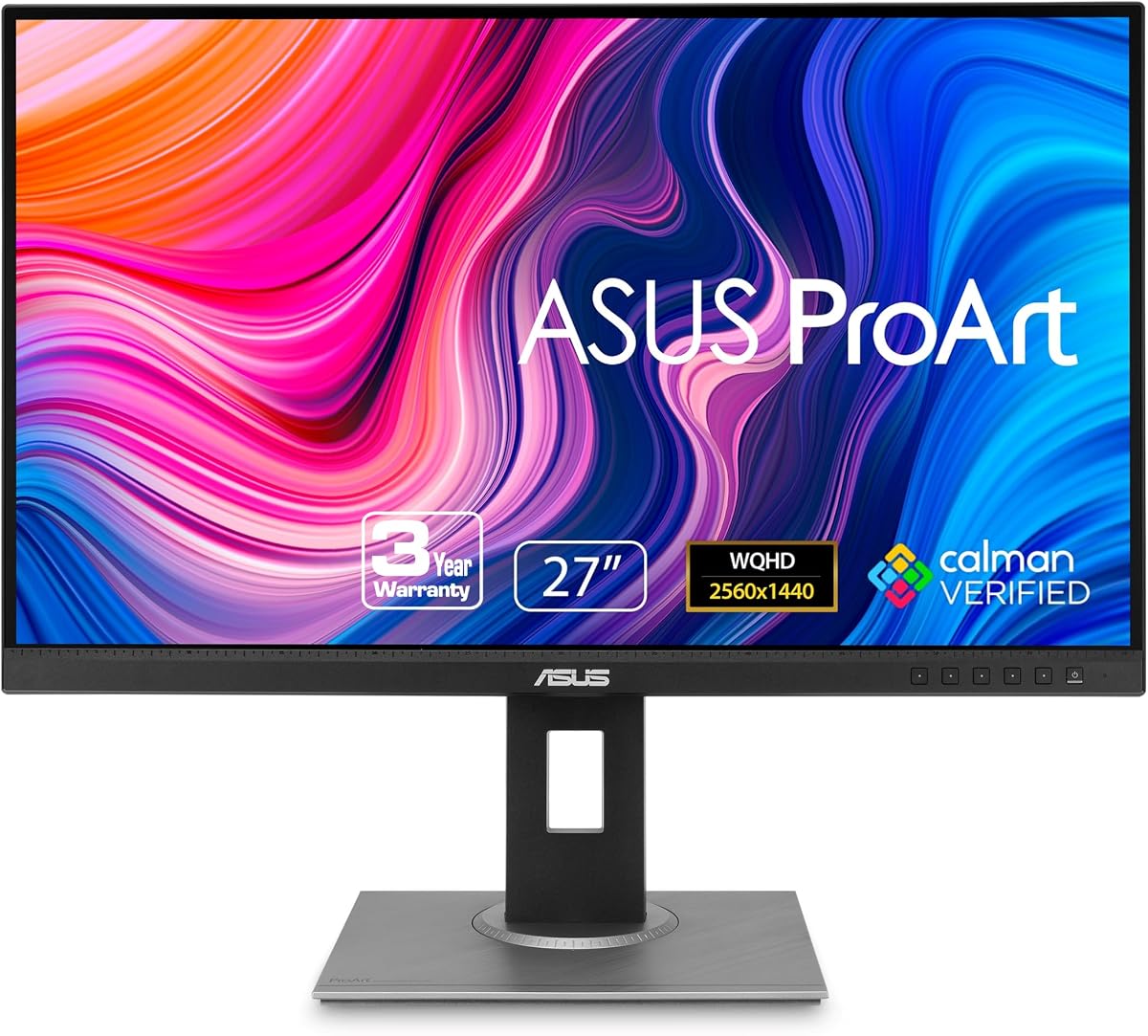
ASUS ProArt PA278QV 27 Inch 1440p QHD Professional Monitor
As an Amazon Associate I earn from qualifying purchases.
View ASUS ProArt PA278QV 27 Inch 1440p QHD Professional Monitor on AmazonYou pay the same either way.Specifications
| Panel | 27-inch 1440p QHD |
|---|---|
| Color | 100% sRGB, Calman-verified accuracy |
| Best use | Light photo and document design work |
| GPU load | QHD is easier on older GPUs than 4K |
Pros & cons
Pros
- 100% sRGB coverage with Calman-verified accuracy means colors land right for sRGB work out of the box
- QHD resolution is easier on older GPUs to drive than 4K, so smoother performance on modest hardware
- A 27-inch canvas well suited to light photo editing and document design
Cons
- Its sRGB focus isn't built for video editors who need wider gamuts like DCI-P3
Skip it if
Skip it if you edit video or need a wider color gamut like DCI-P3, or if you want the extra sharpness of a 4K panel.
How we assessed it
We synthesized this
The ASUS ProArt PA278QV covers the color basics accurately: 100% sRGB coverage with Calman-verified tuning means what you see lands right for sRGB work straight out of the box, no calibration ritual first. At 27 inches and 1440p QHD, it gives photos and documents room to breathe while staying easier on an older GPU to drive than a 4K panel. It's the pick for light photo editing, document design, and everyday creative work on modest hardware.
The honest trade-off: that sRGB focus is exactly why it isn't the monitor for video editors who need wider gamuts like DCI-P3, and QHD won't match the pixel sharpness of a 4K screen. If your work lives in wide-gamut video, look elsewhere. Our read synthesizes ASUS' documented color specs and the ProArt line's reputation rather than a hands-on calibration test.