Our verdict

The Dell UltraSharp U2725QE is the home-office pick — USB-C and Ethernet make it a single-cable dock; go LG for a multi-monitor row or ASUS ProArt for color.

Best for best monitor for productivity and everyday office work

As an Amazon Associate I earn from qualifying purchases.

Why we chose it: HDMI 2.1, USB-C, USB-A, and Ethernet in one panel let it double as a laptop dock over a single cable, while its IPS Black panel keeps text and color steady for office work. Read the full reasoning →

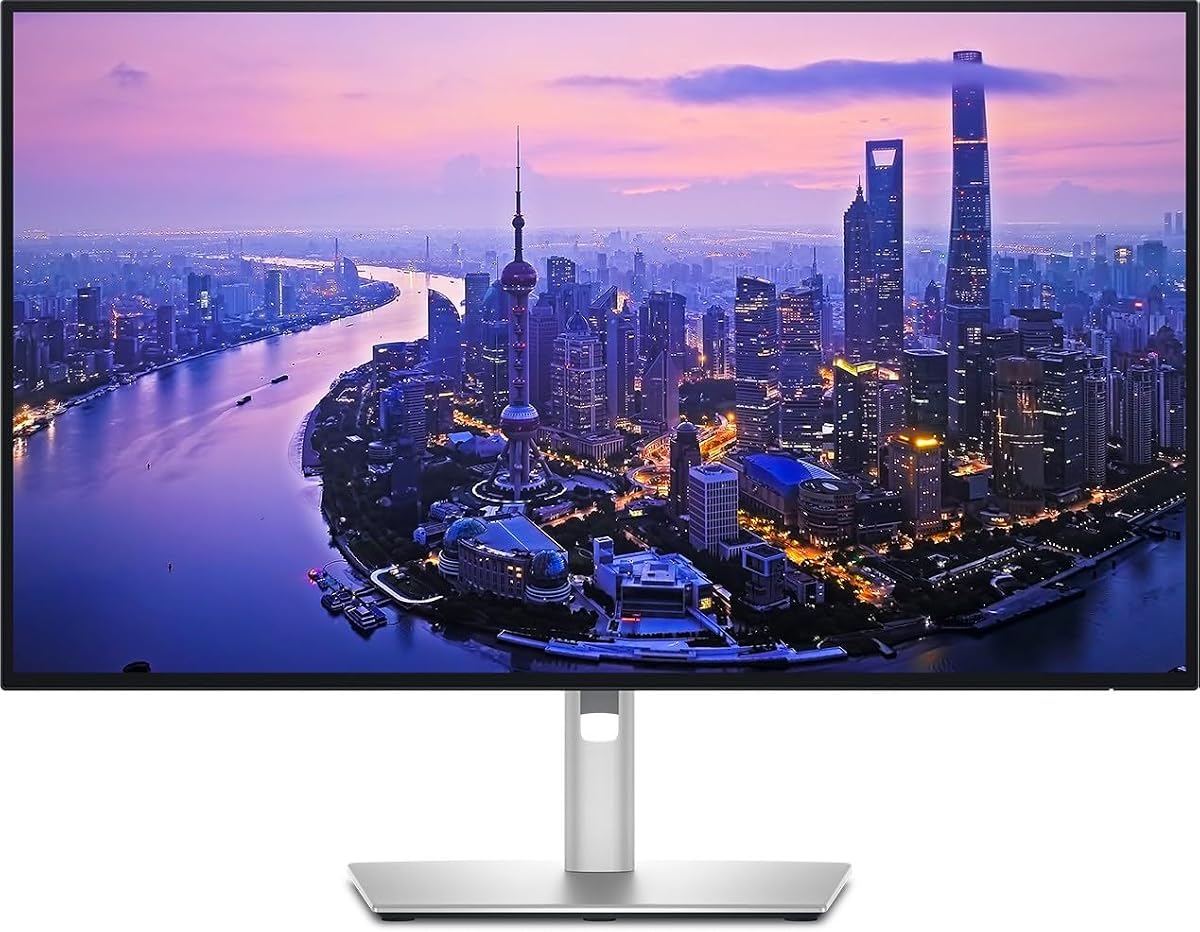
Dell UltraSharp U2725QE 27-Inch 4K UHD IPS Black Monitor

Dell UltraSharp U2725QE 27-Inch 4K UHD IPS Black Monitor

View Dell UltraSharp U2725QE 27-Inch 4K UHD IPS Black Monitor on AmazonYou pay the same either way.
We synthesized thisHow we pickedUpdated Affiliate disclosureIndependent recommendations — never pay-to-play.

Buy this if

  • You prioritize resolution
  • You prioritize color and hdr
  • You prioritize best suited for
  • You prioritize main trade-off

Skip it if

  • Skip this set if you're a video editor who needs wide DCI-P3 gamuts, or a color-critical creative pro — these are office and light-design panels, not reference-grade production displays. And if all you need is a basic secondary screen, a 4K panel here is more than the task calls for.

Our top pick

Top pick
Dell UltraSharp U2725QE 27-Inch 4K UHD IPS Black Monitor

Dell UltraSharp U2725QE 27-Inch 4K UHD IPS Black Monitor

  • Panel27-inch 4K UHD IPS Black
  • ConnectivityHDMI 2.1, USB-C, USB-A, Ethernet
  • DockingDoubles as a single-cable laptop dock
  • Best useConsistent color for spreadsheets and documents

Pros

  • One-cable docking with HDMI 2.1, USB-C, USB-A, and Ethernet built in
  • IPS Black panel keeps color and viewing angles consistent for spreadsheets and documents
  • Sharp 4K text across 27 inches

Cons

  • 4K at 27 inches leans on OS-level scaling, which some older apps handle awkwardly
  • As an IPS panel, its dark-room black levels fall short of the deeper contrast OLED or VA screens deliver

Alternatives

Best for multi-monitor rows

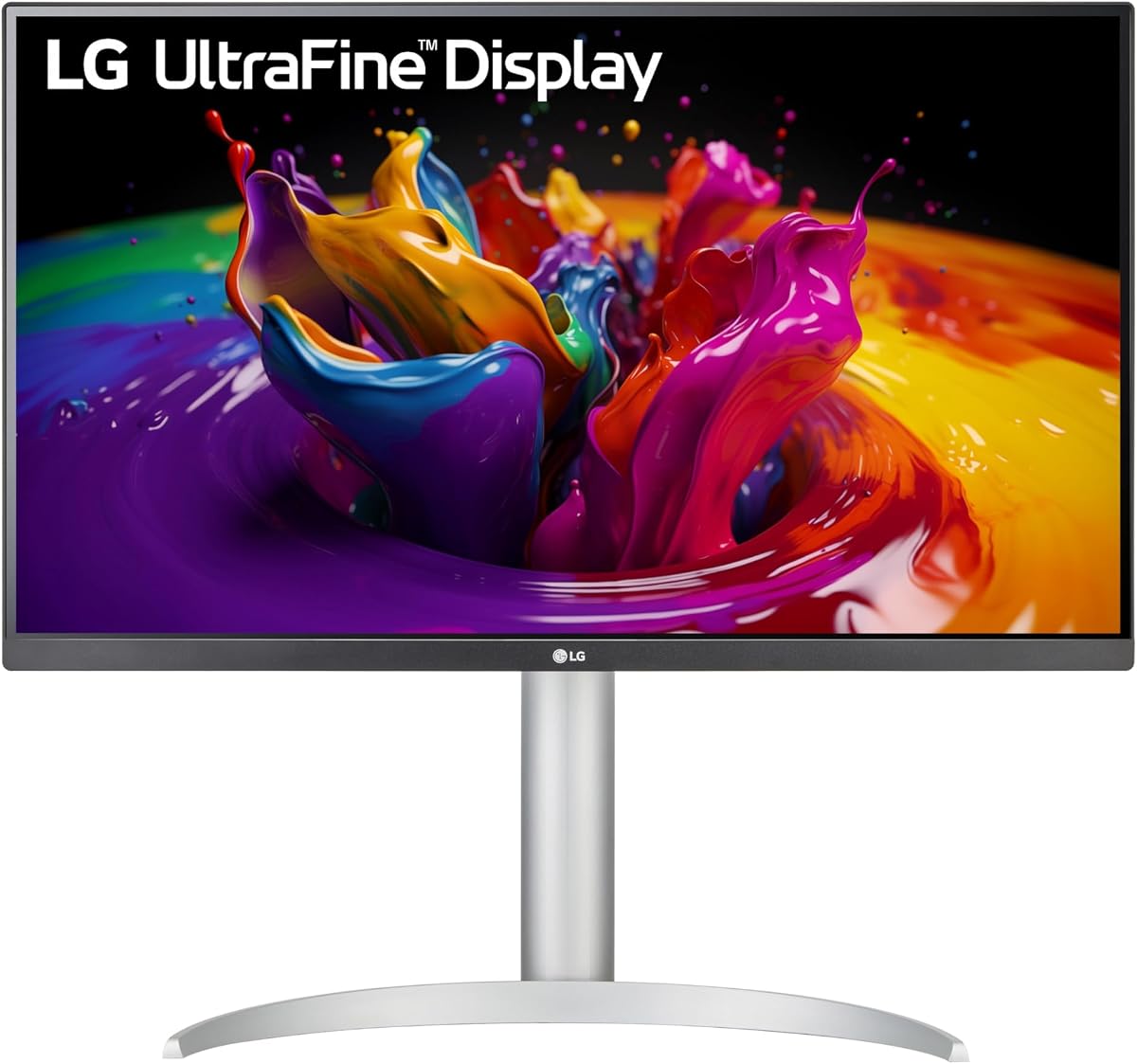
LG 27UP850-W Monitor 27" UHD (3840 x 2160) IPS Display, VESA DisplayHDR 400

LG 27UP850-W Monitor 27" UHD (3840 x 2160) IPS Display, VESA DisplayHDR 400

  • Panel27-inch UHD (3840 x 2160) IPS
  • HDRVESA DisplayHDR 400
  • Bezel3-side virtually borderless
  • StandHeight, pivot, and tilt adjustment

Pros

  • The 3-side virtually borderless bezel lets two or more panels sit side by side with almost no gap between screens
  • A height, pivot, and tilt stand covers most ergonomic adjustments without a separate monitor arm
  • The 4K UHD IPS panel with VESA DisplayHDR 400 keeps fine detail sharp across the screen

Cons

  • There are no built-in speakers worth relying on, so plan on separate audio
  • At 4K on a 27-inch panel, text and interface elements look small until you turn on display scaling

Best for color-accurate design

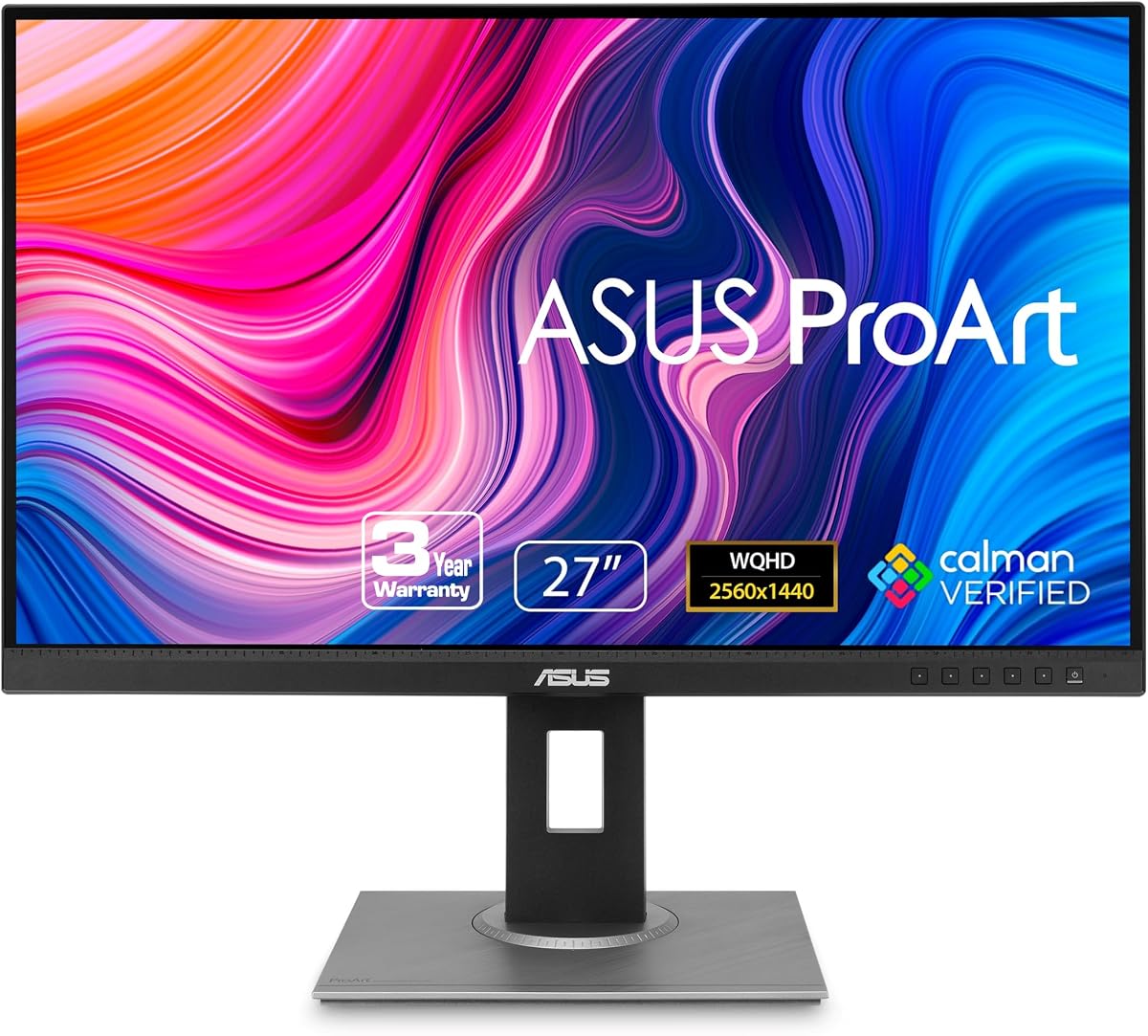
ASUS ProArt PA278QV 27 Inch 1440p QHD Professional Monitor

ASUS ProArt PA278QV 27 Inch 1440p QHD Professional Monitor

  • Panel27-inch 1440p QHD
  • Color100% sRGB, Calman-verified accuracy
  • Best useLight photo and document design work
  • GPU loadQHD is easier on older GPUs than 4K

Pros

  • 100% sRGB coverage with Calman-verified accuracy means colors land right for sRGB work out of the box
  • QHD resolution is easier on older GPUs to drive than 4K, so smoother performance on modest hardware
  • A 27-inch canvas well suited to light photo editing and document design

Cons

  • Its sRGB focus isn't built for video editors who need wider gamuts like DCI-P3

Best for a straightforward 4K panel

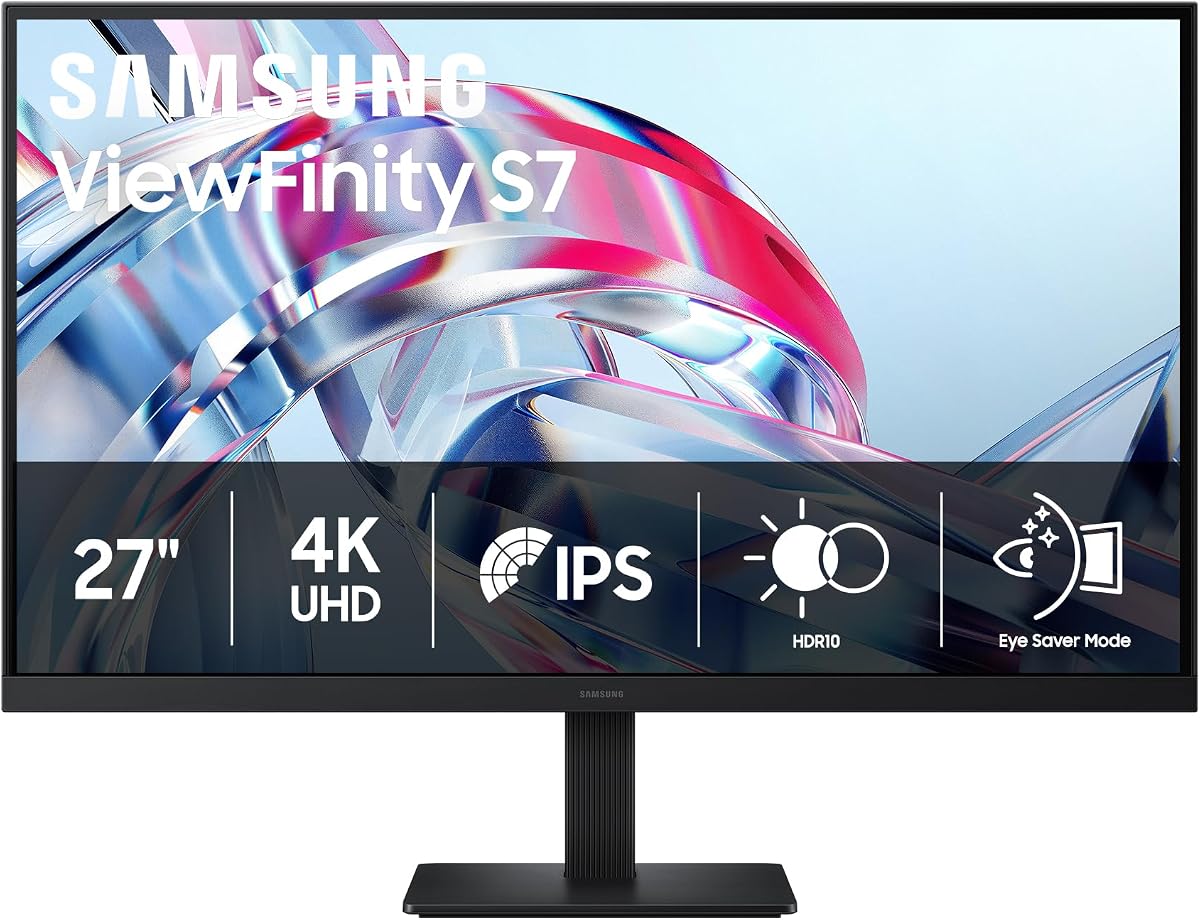
Samsung 27" ViewFinity S7 (S70H) High-Resolution Monitor

Samsung 27" ViewFinity S7 (S70H) High-Resolution Monitor

  • Panel27-inch 4K UHD
  • HDRHDR10
  • Eye comfortEye-saver mode for long sessions
  • ConnectivityHDMI and DisplayPort (no USB-C hub)

Pros

  • 4K UHD across 27 inches renders text and images crisp, with HDR10 adding punch to photos and video
  • Eye-saver mode eases the strain of long sessions in front of the screen
  • Straightforward HDMI and DisplayPort inputs plug into most computers without adapters

Cons

  • No USB-C or built-in hub, so you can't drive and charge a laptop over a single cable the way a docking monitor can
  • 4K on a 27-inch panel makes text small at native scaling, so most setups need display scaling switched on

How the picks compare

The picks compared for best monitor for productivity and everyday office work
Attribute
Dell UltraSharp U2725QE 27-Inch 4K UHD IPS Black MonitorBest for best monitor for productivity and everyday office work
LG 27UP850-W Monitor 27" UHD (3840 x 2160) IPS Display, VESA DisplayHDR 400
ASUS ProArt PA278QV 27 Inch 1440p QHD Professional Monitor
Samsung 27" ViewFinity S7 (S70H) High-Resolution Monitor
ResolutionDell UltraSharp U2725QE 27-Inch 4K UHD IPS Black Monitor27-inch 4K UHDLG 27UP850-W Monitor 27" UHD (3840 x 2160) IPS Display, VESA DisplayHDR 40027-inch 4K UHD (3840 x 2160)ASUS ProArt PA278QV 27 Inch 1440p QHD Professional Monitor27-inch 1440p QHDSamsung 27" ViewFinity S7 (S70H) High-Resolution Monitor27-inch 4K UHD
Color and HDRDell UltraSharp U2725QE 27-Inch 4K UHD IPS Black MonitorConsistent IPS Black color and viewing anglesLG 27UP850-W Monitor 27" UHD (3840 x 2160) IPS Display, VESA DisplayHDR 400IPS with VESA DisplayHDR 400ASUS ProArt PA278QV 27 Inch 1440p QHD Professional Monitor100% sRGB, Calman-verified colorSamsung 27" ViewFinity S7 (S70H) High-Resolution MonitorHDR10 with an eye-saver mode
Best suited forDell UltraSharp U2725QE 27-Inch 4K UHD IPS Black MonitorDoubling as a single-cable laptop dockLG 27UP850-W Monitor 27" UHD (3840 x 2160) IPS Display, VESA DisplayHDR 400A seamless side-by-side multi-monitor rowASUS ProArt PA278QV 27 Inch 1440p QHD Professional MonitorAccurate color for light photo and document designSamsung 27" ViewFinity S7 (S70H) High-Resolution MonitorA straightforward 4K panel for everyday work
Main trade-offDell UltraSharp U2725QE 27-Inch 4K UHD IPS Black Monitor4K at 27 inches leans on OS scaling; some older apps handle it awkwardlyLG 27UP850-W Monitor 27" UHD (3840 x 2160) IPS Display, VESA DisplayHDR 400No built-in speakers of note; plan on separate audioASUS ProArt PA278QV 27 Inch 1440p QHD Professional MonitorNot for video editors who need wider gamuts like DCI-P3Samsung 27" ViewFinity S7 (S70H) High-Resolution MonitorBasic connectivity — HDMI and DisplayPort only, no USB-C hub

What to look for

Resolution

Higher resolution sharpens text and fits more on screen — 4K needs OS scaling at 27 inches, while QHD asks less of an older GPU.

Color and HDR

Consistent color, wide sRGB coverage, and HDR support decide how a monitor handles documents, photos, and long viewing.

Best suited for

The strongest reason to choose each panel — docking, a multi-monitor row, color-accurate design, or a straightforward 4K setup.

Main trade-off

Every pick asks one compromise; knowing it up front keeps you from choosing the wrong panel for your setup.

How we chose

We synthesized this

A home-office monitor is the surface you stare at all day — so the right one fits how you actually work: sharp text for documents, honest color for design, or one-cable docking for a laptop.

We weighed each panel on four things that shape daily use: resolution, color and HDR, what each is best suited for, and the trade-off it asks in return. The Dell UltraSharp U2725QE wins for a home office because its HDMI 2.1, USB-C, USB-A, and Ethernet let it double as a laptop dock, while its IPS Black panel keeps text and color steady.

The alternatives suit different desks. The LG 27UP850-W suits a clean multi-monitor row with its borderless bezel and adjustable stand. The ASUS ProArt PA278QV brings 100% sRGB, Calman-verified color for light design work. And the Samsung ViewFinity S7 is a straightforward 4K panel with an eye-saver mode, trading away USB-C connectivity.

Every call here is a synthesis of documented specs and established use, not a timed lab test — you can read exactly what that means on our how-we-test page. Match the panel to your setup: how many screens, whether you dock a laptop, and how color-critical your work really is.

Frequently asked questions

Is 4K worth it at 27 inches for office work?

For most people, yes. 4K sharpens text and fits more on screen, though at 27 inches it relies on OS-level scaling — most modern apps handle it well, some older ones awkwardly. QHD like the ASUS ProArt is a lighter-load alternative that asks less of an older GPU.

Can a monitor replace my laptop dock?

Some can. The Dell UltraSharp U2725QE carries HDMI 2.1, USB-C, USB-A, and Ethernet, so a single cable drives the display and connects your peripherals. Panels without USB-C, like the Samsung pick, still need a separate dock.

Do these monitors have built-in speakers?

Don't assume so. The LG 27UP850-W has no built-in speakers of note, so plan on separate audio — a soundbar or desk speakers. Check each model's documentation before you count on built-in sound, since it varies from panel to panel.