Dell UltraSharp U2725QE vs LG 27UP850-W
Both are 27-inch 4K panels for office work; the Dell UltraSharp U2725QE adds the connectivity to double as a single-cable laptop dock, while the LG 27UP850-W is built for a clean, borderless multi-monitor row.
As an Amazon Associate I earn from qualifying purchases.
At a glance
| Attribute | 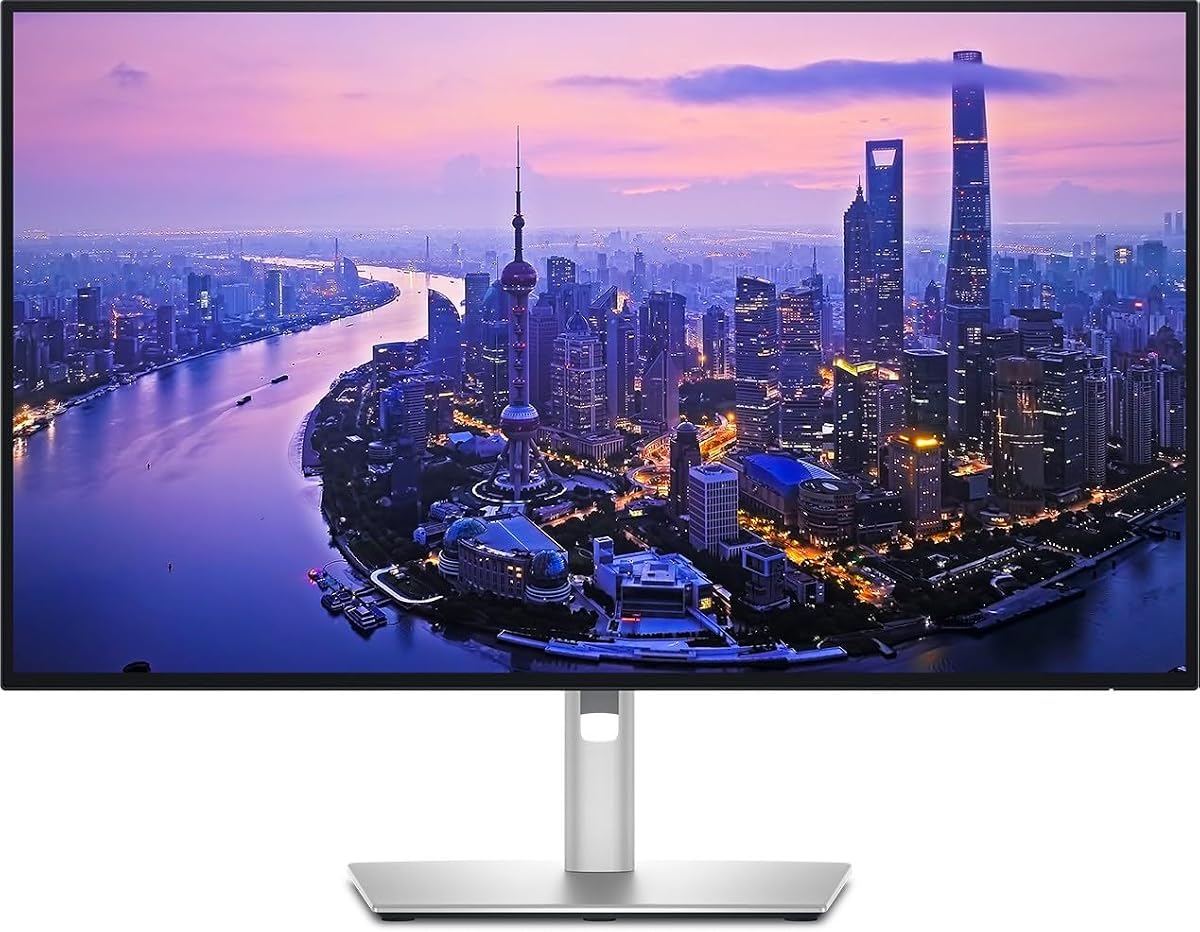 | 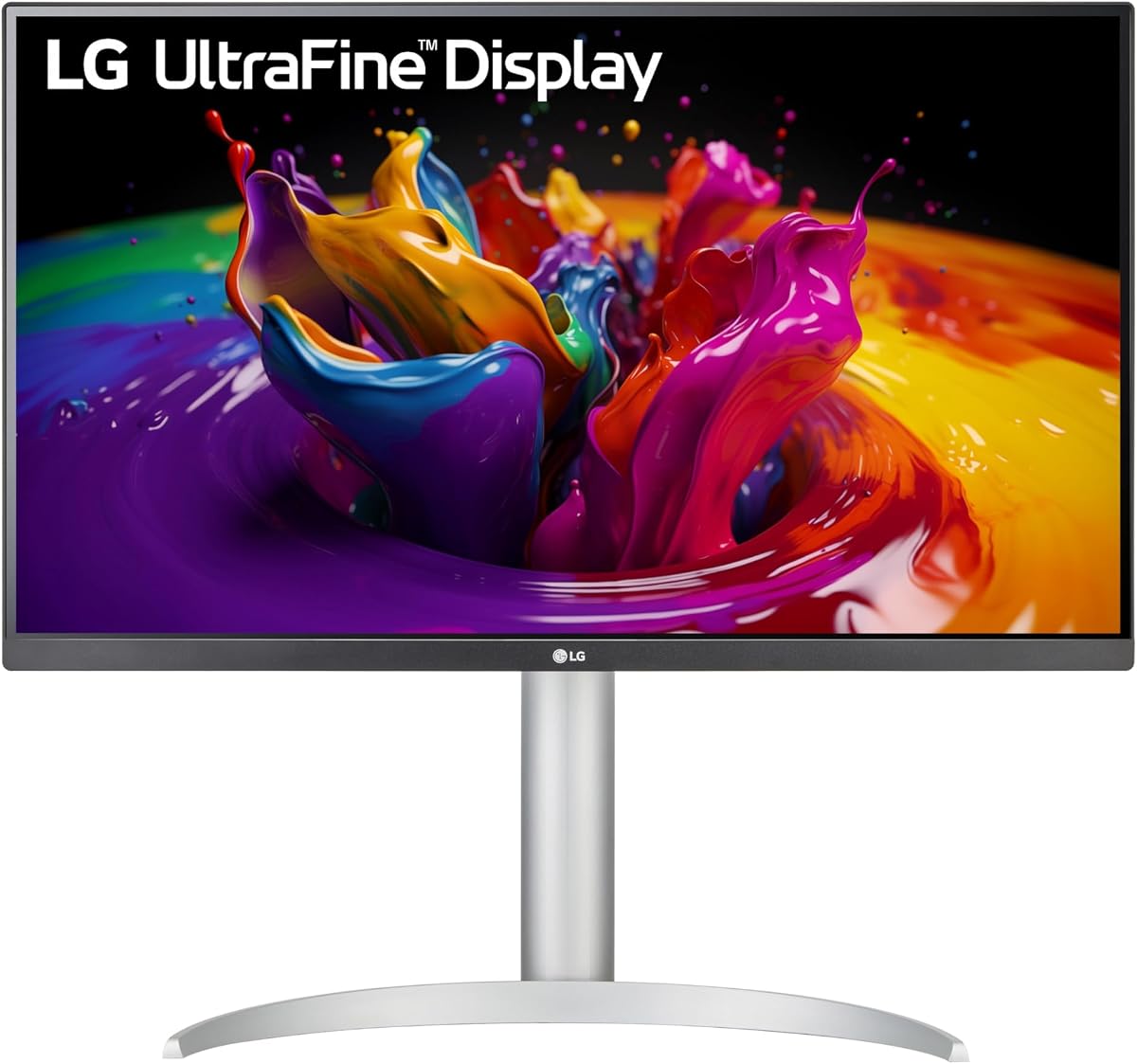 |
|---|---|---|
| Resolution | Dell UltraSharp U2725QE 27-Inch 4K UHD IPS Black Monitor27-inch 4K UHD | LG 27UP850-W Monitor 27" UHD (3840 x 2160) IPS Display, VESA DisplayHDR 40027-inch 4K UHD (3840 x 2160) |
| Color and HDR | Dell UltraSharp U2725QE 27-Inch 4K UHD IPS Black MonitorConsistent IPS Black color and viewing angles | LG 27UP850-W Monitor 27" UHD (3840 x 2160) IPS Display, VESA DisplayHDR 400IPS with VESA DisplayHDR 400 |
| Best suited for | Dell UltraSharp U2725QE 27-Inch 4K UHD IPS Black MonitorDoubling as a single-cable laptop dock | LG 27UP850-W Monitor 27" UHD (3840 x 2160) IPS Display, VESA DisplayHDR 400A seamless side-by-side multi-monitor row |
| Main trade-off | Dell UltraSharp U2725QE 27-Inch 4K UHD IPS Black Monitor4K at 27 inches leans on OS scaling; some older apps handle it awkwardly | LG 27UP850-W Monitor 27" UHD (3840 x 2160) IPS Display, VESA DisplayHDR 400No built-in speakers of note; plan on separate audio |
Which should you choose?
Buy this if Dell UltraSharp U2725QE 27-Inch 4K UHD IPS Black Monitor
You want one 4K panel that also docks a laptop over USB-C, with Ethernet and USB-A to clear the desk of adapters.
Buy this if LG 27UP850-W Monitor 27" UHD (3840 x 2160) IPS Display, VESA DisplayHDR 400
You are building a clean, borderless side-by-side multi-monitor row and want a stand that pivots and rises out of the box.
How we compared
We synthesized this
How they differ
On the panel itself the two are close: both are 27-inch 4K IPS monitors aimed at everyday office work, sharp text, and reliable color. The difference is what surrounds the panel. The Dell UltraSharp U2725QE is built as a hub — its USB-C, Ethernet, and USB-A let one laptop dock through a single cable. The LG 27UP850-W is built for a tidy desk of two: a three-side near-borderless bezel and a fully adjustable stand.
Each carries an honest trade-off. 4K at 27 inches leans on operating-system scaling, and a few older apps render it awkwardly on either monitor. The LG, meanwhile, has no speakers worth relying on — plan on separate audio.
Which fits you
Choose the Dell if you dock a laptop and want the monitor to be the hub. Choose the LG if a clean, borderless two-monitor row is the goal and you will supply your own audio.
Frequently asked questions
Which is better as a laptop docking monitor?
The Dell U2725QE. Its USB-C, Ethernet, and USB-A turn the monitor into a one-cable dock, so a laptop drives the display and connects to power, network, and peripherals through a single connection. The LG focuses on the panel rather than docking.
Which is better for a dual-monitor setup?
The LG 27UP850-W. Its three-side virtually borderless bezel and a stand with height, pivot, and tilt make two side by side look seamless. The Dell works in pairs too, but its edge is the built-in dock, not the bezel.