Samsung
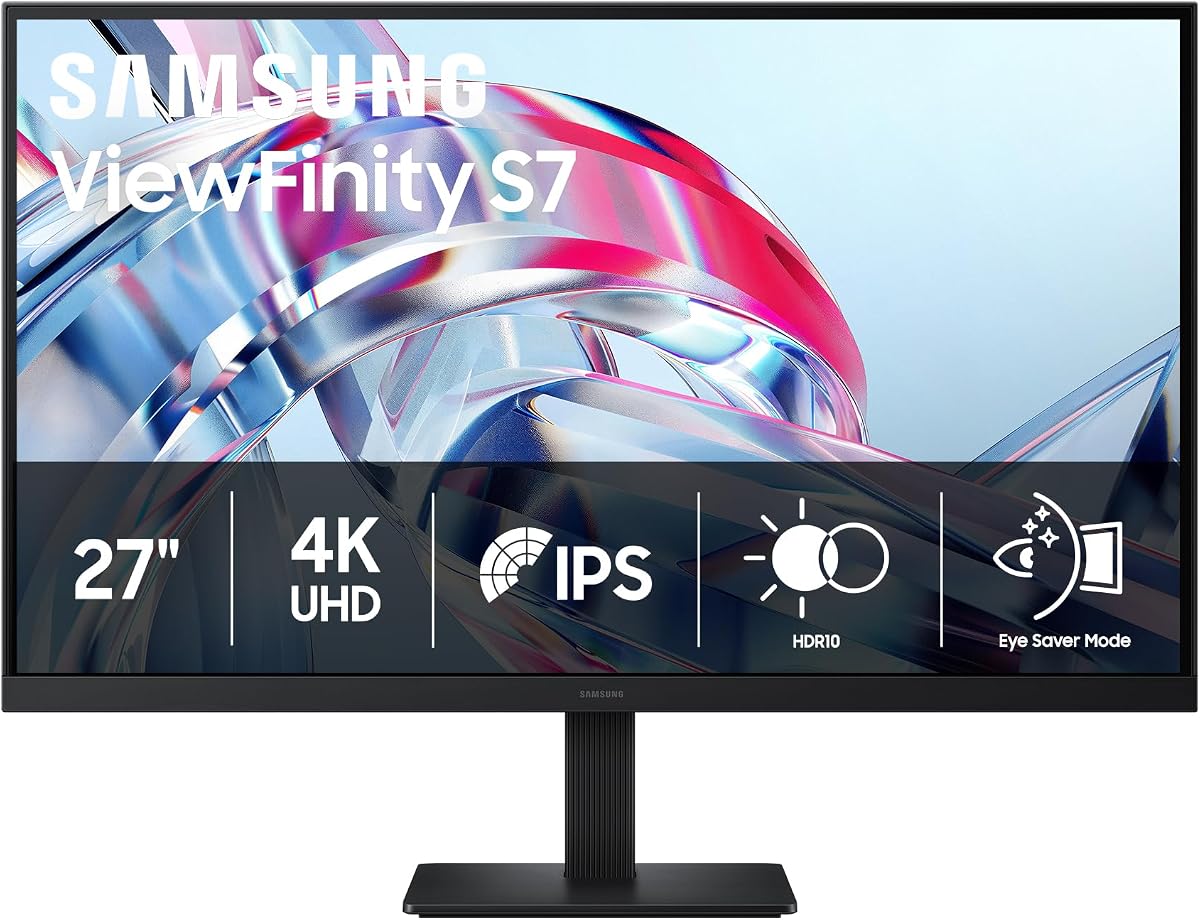
Samsung 27" ViewFinity S7 (S70H) High-Resolution Monitor
As an Amazon Associate I earn from qualifying purchases.
View Samsung 27" ViewFinity S7 (S70H) High-Resolution Monitor on AmazonYou pay the same either way.Specifications
| Panel | 27-inch 4K UHD |
|---|---|
| HDR | HDR10 |
| Eye comfort | Eye-saver mode for long sessions |
| Connectivity | HDMI and DisplayPort (no USB-C hub) |
Pros & cons
Pros
- 4K UHD across 27 inches renders text and images crisp, with HDR10 adding punch to photos and video
- Eye-saver mode eases the strain of long sessions in front of the screen
- Straightforward HDMI and DisplayPort inputs plug into most computers without adapters
Cons
- No USB-C or built-in hub, so you can't drive and charge a laptop over a single cable the way a docking monitor can
- 4K on a 27-inch panel makes text small at native scaling, so most setups need display scaling switched on
Skip it if
Skip it if you need USB-C or a built-in dock, or if you want the broader connectivity of the Dell pick.
How we assessed it
We synthesized this
The Samsung ViewFinity S7 puts 4K UHD across a 27-inch panel, so text lands crisp and detail holds up, while HDR10 gives photos and video extra punch. An eye-saver mode takes some of the strain out of long stretches at the screen, and straightforward HDMI and DisplayPort inputs plug into most computers without hunting for adapters. That sharp, no-fuss picture is why it's our pick for people who want a clean 4K workspace without extra complication.
The trade-offs sit in connectivity and scale. There is no USB-C or built-in hub, so you can't run and charge a laptop over one cable the way a docking monitor can, and 4K on a 27-inch panel makes text small at native size — most setups need display scaling switched on. If you want single-cable docking, look to a USB-C model. Our read is a synthesis of the documented resolution, HDR, and ports rather than a hands-on test — see how we test.