Razer
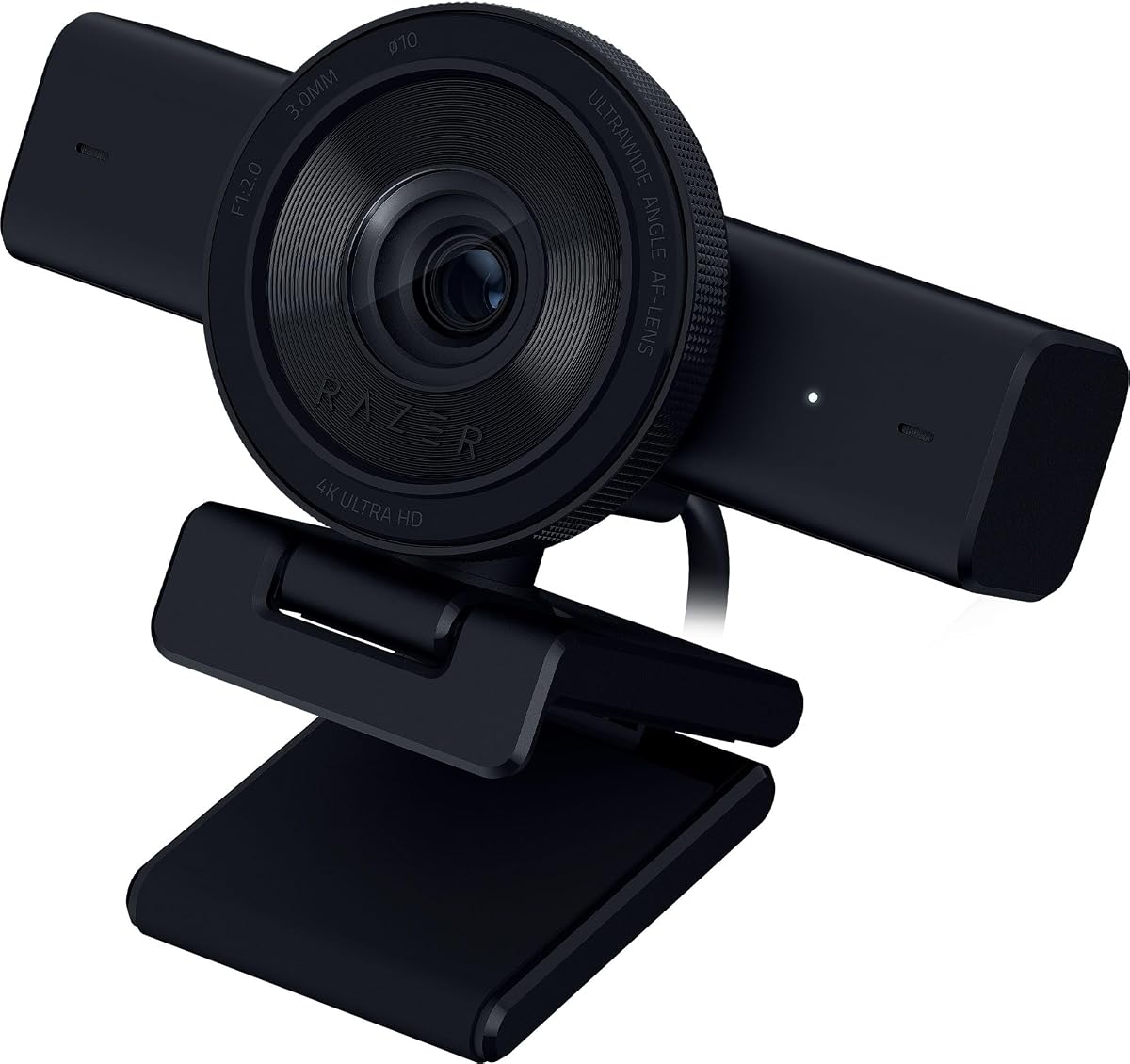
Razer Kiyo V2 Webcam for Streaming and Collaboration 4K 30Fps, Black
As an Amazon Associate I earn from qualifying purchases.
View Razer Kiyo V2 Webcam for Streaming and Collaboration 4K 30Fps, Black on AmazonYou pay the same either way.Specifications
| Resolution | 4K at 30fps |
|---|---|
| Framing | AI-powered auto-framing |
| Lens | Ultrawide field of view |
Pros & cons
Pros
- AI auto-framing tracks you and keeps you centered as you move, so you're not pinned to one spot
- The ultrawide lens pulls more of the room into frame — room for a second person or your whole desk
- 4K capture holds fine detail sharp even on a large display
Cons
- The streaming-first styling and feature set are more than someone who only takes plain video calls needs
- 4K tops out at 30fps, so it can't deliver the smoother 60fps motion some streamers want
Skip it if
Skip it if you just want plain video calls — its streaming-first styling and wide-angle framing are more than a simple desk setup needs.
How we assessed it
We synthesized this
The Razer Kiyo V2 leans on AI auto-framing that tracks you and keeps you centered as you shift in your seat, so you're not pinned to one spot to stay in shot. Its ultrawide lens pulls more of the room into frame — enough for a second person or a full view of your desk — and 4K capture holds fine detail sharp even on a large display. That mix of tracking and wide framing is why it's our pick for streamers and anyone who moves around while they're on camera.
The trade-offs are worth naming. The streaming-first styling and feature set are more than someone who only takes plain video calls needs, and 4K tops out at 30fps — smooth, but short of the 60fps motion some streamers prefer. If you just want a clean call, a simpler camera does the job. Our read is a synthesis of the documented specs and Razer's reputation among streamers rather than a hands-on test — see how we test.