Logitech
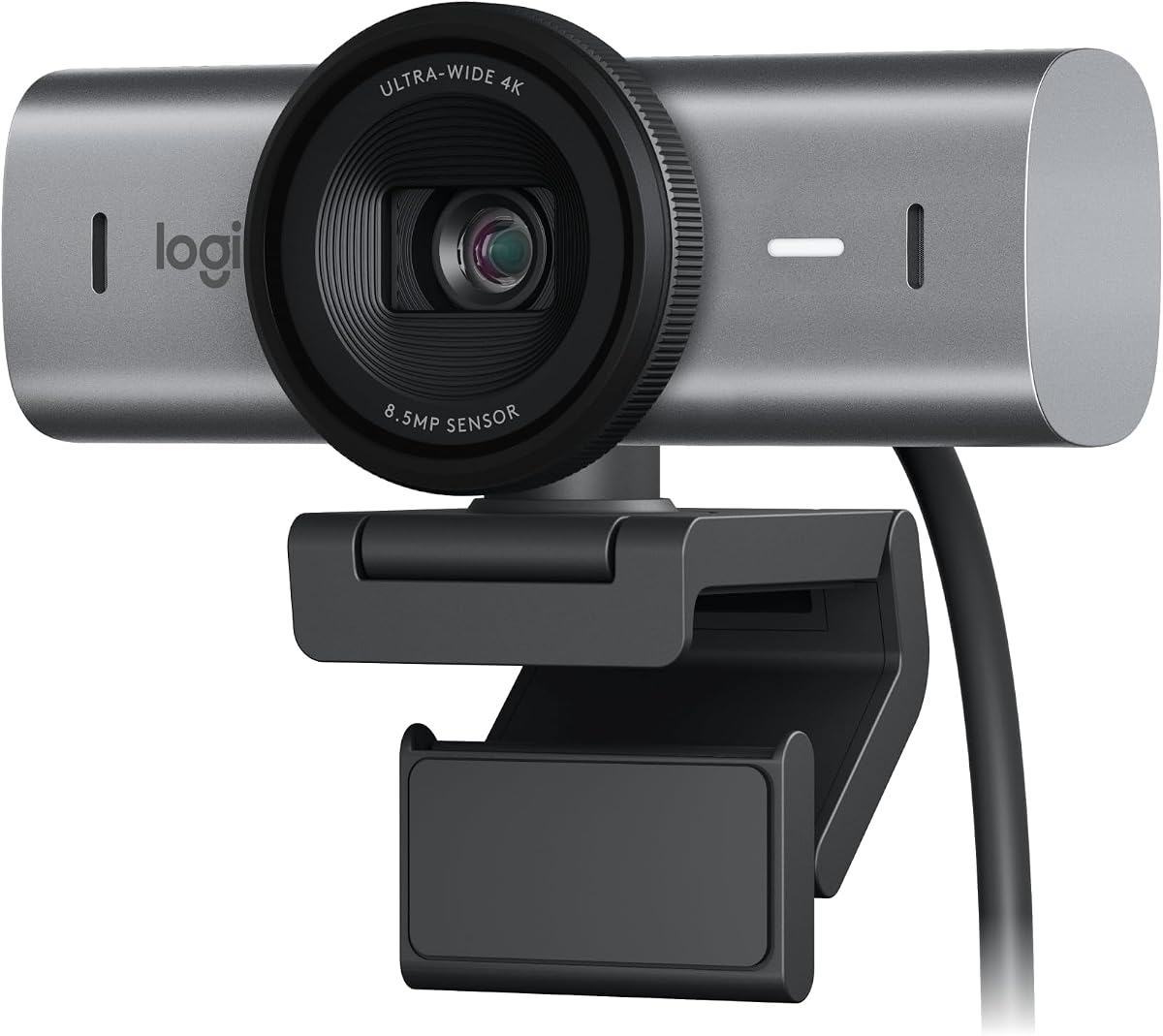
Logitech MX Brio Ultra HD 4K Webcam Collaboration and Streaming - Graphite
As an Amazon Associate I earn from qualifying purchases.
View Logitech MX Brio Ultra HD 4K Webcam Collaboration and Streaming - Graphite on AmazonYou pay the same either way.Specifications
| Resolution | 4K Ultra HD |
|---|---|
| Image handling | Strong auto light-correction |
| Feature | Show Mode for demoing objects |
Pros & cons
Pros
- Its 4K sensor with strong auto light-correction is what actually makes you look clearer on a call, often the light-correction more than the resolution
- Show Mode tilts the view down to demo a physical object on camera, handy for tutorials or show-and-tell
Cons
- Most call platforms compress well below 4K, so the resolution gain is smaller than it sounds on a typical Zoom or Teams call
- Capturing and processing full 4K puts more load on your computer than a 1080p webcam does
Skip it if
Skip it if you only join standard Zoom or Teams calls — those platforms compress well below 4K, so a good 1080p webcam will look nearly identical.
How we assessed it
We synthesized this
The Logitech MX Brio's real advantage is light, not just pixels. Its 4K sensor helps, but the strong auto light-correction is what actually makes you look clearer on a call — evening out a backlit window or a dim room so your face reads properly. Show Mode is the other standout: tilt the view down and you can demo a physical object on camera, handy for tutorials or show-and-tell.
The honest trade-offs: most call platforms compress well below 4K, so on a typical Zoom or Teams call the resolution gain is smaller than it sounds, and capturing full 4K puts more load on your computer than a 1080p webcam does. If standard calls are all you make, a good 1080p webcam looks nearly identical. See it on Amazon.