Logitech
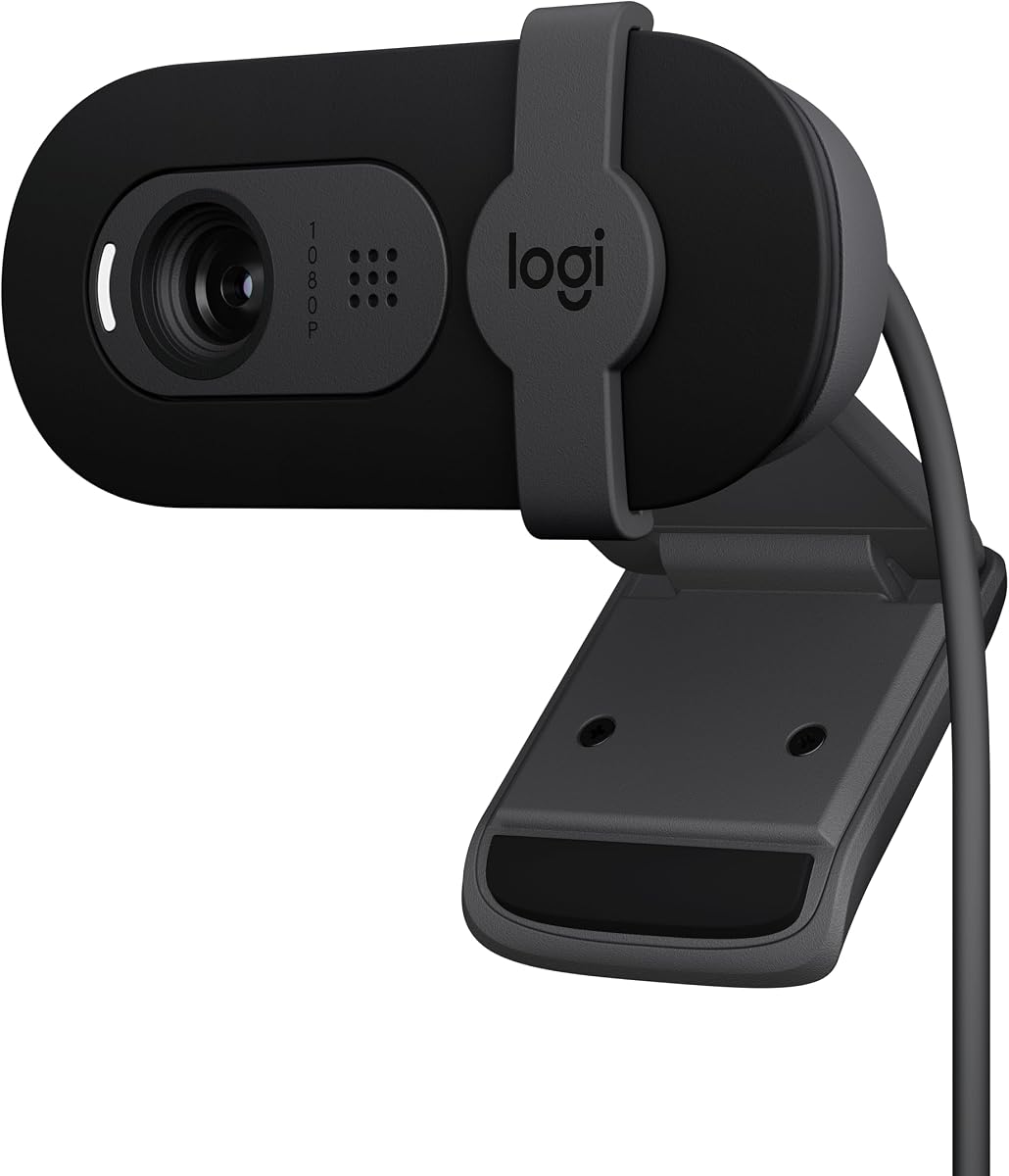
Logitech Brio 101 Full HD 1080p Webcam for Streaming and Meetings - Black
As an Amazon Associate I earn from qualifying purchases.
View Logitech Brio 101 Full HD 1080p Webcam for Streaming and Meetings - Black on AmazonYou pay the same either way.Specifications
| Resolution | 1080p Full HD |
|---|---|
| Setup | Plug-and-play |
| Privacy | Physical privacy shutter |
| Limitations | No auto-framing, HDR, or 4K |
Pros & cons
Pros
- Plug-and-play setup means you connect the USB and it works, with no drivers to install
- A physical privacy shutter lets you cover the lens when you are off camera, no software toggle needed
- 1080p Full HD is sharp enough for everyday video calls
Cons
- It sticks to the essentials, with no auto-framing, HDR, or 4K, so it will not reframe the shot as you move or add extra detail
Skip it if
Skip it if you want 4K detail, HDR, or auto-framing — it is a basic webcam that only covers the essentials.
How we assessed it
We synthesized this
The Logitech Brio 101 does the essentials cleanly. It is plug-and-play, so you connect the USB and it works — no drivers to install or software to configure — and its 1080p Full HD image is sharp enough for everyday video calls. A physical privacy shutter slides over the lens when you are off camera, which is reassurance no software toggle can fully match.
The honest trade-off is scope: there is no auto-framing, HDR, or 4K, so it will not reframe the shot as you move around or capture the extra detail a more advanced webcam would. That is the trade it makes — fewer features, less to think about. If you want those extras, look at a step-up model. See it on Amazon.