Brother
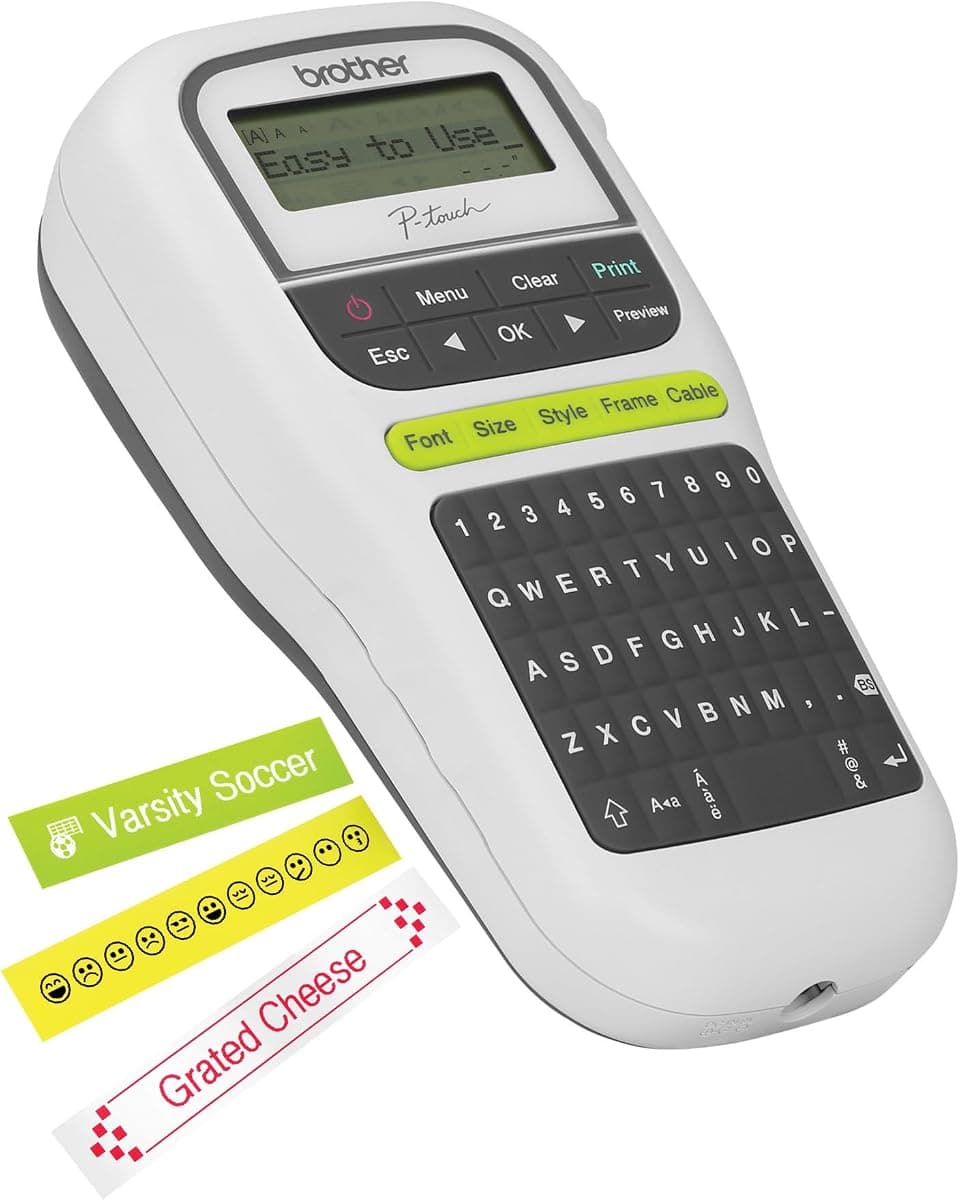
Brother P-Touch Label Maker, PTH110, Thermal Transfer Inkless Pocket Printer
As an Amazon Associate I earn from qualifying purchases.
View Brother P-Touch Label Maker, PTH110, Thermal Transfer Inkless Pocket Printer on AmazonYou pay the same either way.Specifications
| Printing | Inkless thermal transfer; no cartridges to dry out |
|---|---|
| Input | QWERTY keyboard |
| Form | Portable pocket printer |
| Display | Small LCD showing a limited number of characters |
Pros & cons
Pros
- Inkless thermal printing means no cartridges to dry out between uses
- QWERTY keyboard types faster than a multi-tap numeric pad
- Pocket-size and portable for labeling around the home or office
Cons
- Small LCD shows only a few characters at a time, which slows edits to longer labels
Skip it if
Skip it if you frequently edit long labels and want a larger preview screen, or if you would rather design labels in a phone app than type on the device.
How we assessed it
We synthesized this
The P-touch PTH110 solves the annoyance that kills most label makers: inkless thermal printing means there are no cartridges to dry out between uses, so it's ready whenever you are. The QWERTY keyboard types faster than a multi-tap numeric pad, and the pocket size makes it easy to grab for a quick label around the home or office. It's made for someone who labels occasionally and wants a grab-and-go tool that just works after months in a drawer.
The honest trade-off is the screen: the small LCD shows only a few characters at a time, so editing longer labels means scrolling and guesswork. Our read is a synthesis of the labeler's documented printing and QWERTY input and Brother's P-touch reputation, not a hands-on test — see how we test.