Microsoft
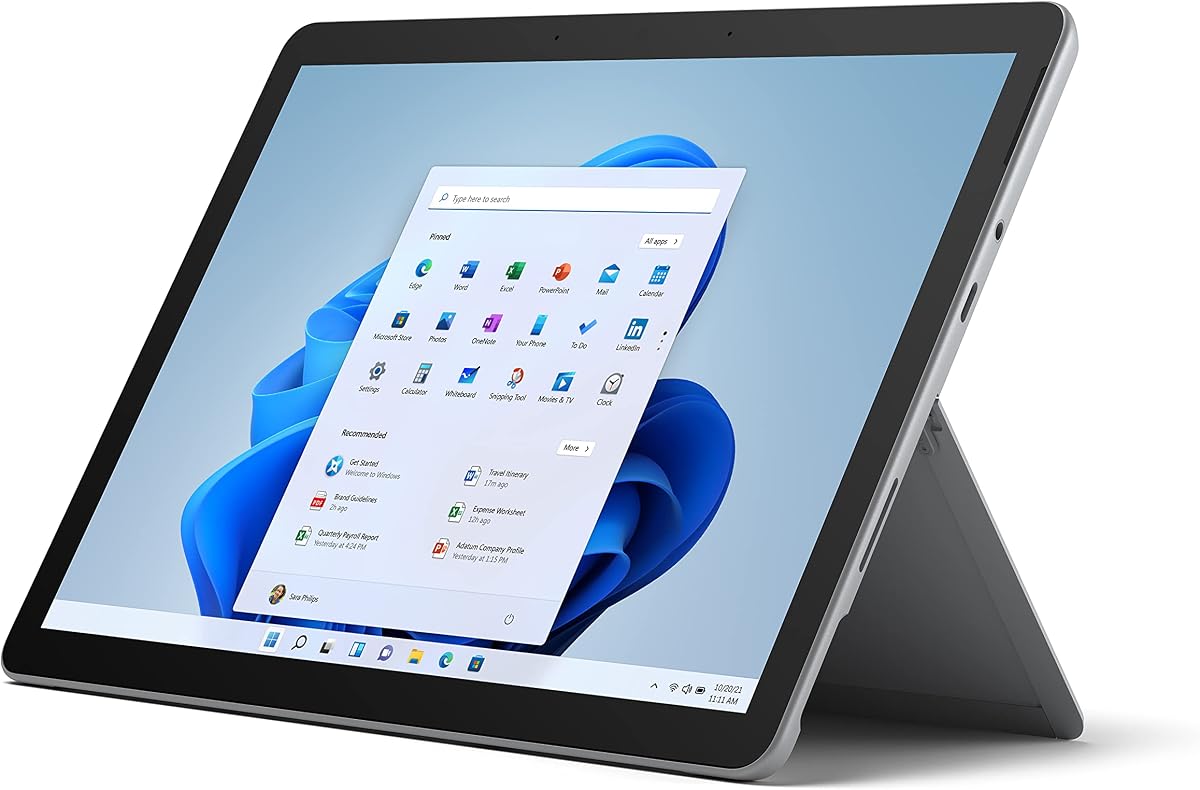
Microsoft Surface Go 3 - 10.5" Touchscreen - Intel Core i3 - 8GB Memory - 128GB SSD - Device Only - Platinum (Latest Model)
As an Amazon Associate I earn from qualifying purchases.
View Microsoft Surface Go 3 - 10.5" Touchscreen - Intel Core i3 - 8GB Memory - 128GB SSD - Device Only - Platinum (Latest Model) on AmazonYou pay the same either way.Specifications
| Display | 10.5-inch touchscreen |
|---|---|
| Processor | Intel Core i3 |
| Memory | 8GB |
| Storage | 128GB SSD |
| Platform | Full Windows |
| Configuration | Device only |
Pros & cons
Pros
- It runs full Windows, so it opens the desktop programs and files that iPad and Android tablets cannot run natively
- That makes it genuinely useful for anyone tied to a piece of Windows-only software
- At 10.5 inches it stays compact and easy to carry
Cons
- The compact screen and modest Core i3 feel underpowered once you pile on heavier multitasking
- It ships as device only, so a keyboard and pen are separate
Skip it if
Skip it if you need strong performance for heavy multitasking, or if you don't rely on Windows-only software — its compact screen and modest processor feel underpowered under heavier loads.
How we assessed it
We synthesized this
The Surface Go 3's trick is that it is a real Windows computer in tablet form. Because it runs full Windows rather than a mobile OS, it opens the desktop programs and files that iPad and Android tablets cannot run natively. Add a keyboard and it works like a small laptop that slips into any bag, with an Intel Core i3, 8GB of memory, and a 128GB SSD behind the 10.5-inch touchscreen. For anyone tied to a specific piece of Windows-only software, that compatibility is the whole point.
The honest trade-offs: the compact screen and modest Core i3 feel underpowered once heavier multitasking piles up, and it ships as device only — the keyboard and pen are separate. If you do not rely on Windows specifically, or you need real headroom for demanding work, a larger machine serves you better. See it on Amazon.