ASUS
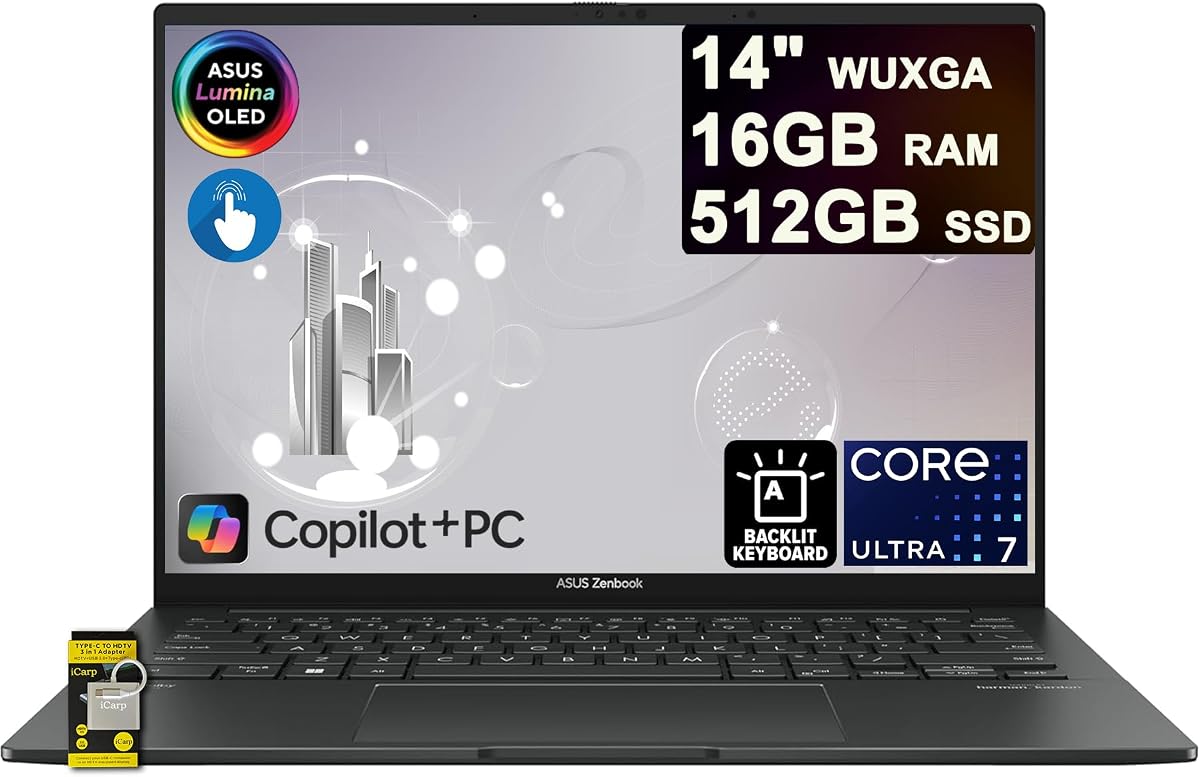
ASUS Zenbook 14 Laptop 14" WUXGA OLED Touch, Intel Ultra 7 255H, 16GB RAM 512GB SSD
As an Amazon Associate I earn from qualifying purchases.
View ASUS Zenbook 14 Laptop 14" WUXGA OLED Touch, Intel Ultra 7 255H, 16GB RAM 512GB SSD on AmazonYou pay the same either way.Specifications
| Display | 14-inch WUXGA OLED touchscreen |
|---|---|
| Processor | Intel Ultra 7 255H |
| Memory | 16GB RAM |
| Storage | 512GB SSD |
| Connectivity | Thunderbolt |
Pros & cons
Pros
- The WUXGA OLED touchscreen makes handwritten notes and video look noticeably richer than a typical laptop LCD
- Thunderbolt handles single-cable docking to a monitor and accessories
Cons
- OLED panels are more prone to burn-in from static on-screen elements over years of heavy use than IPS
- The glossy OLED touchscreen reflects bright light and shows fingerprints from touch use
Skip it if
Skip it if you keep static toolbars or UI elements on screen for hours a day over many years, where OLED burn-in becomes a real risk — an IPS panel avoids that.
How we assessed it
We synthesized this
The ASUS Zenbook 14 OLED is built around its screen. The 14-inch WUXGA OLED touchscreen makes handwritten note apps and video look noticeably richer than the typical laptop LCD, with deeper contrast you notice the moment you open it. An Intel Ultra 7 255H, 16GB of RAM, and a 512GB SSD keep everyday work moving, and Thunderbolt means a single cable docks you to a monitor and accessories. It's the pick for students and note-takers who want a vivid touchscreen in a portable Windows laptop.
The honest trade-off: OLED is more prone to burn-in from static toolbars over years of heavy use than IPS, and the glossy panel reflects bright light and picks up fingerprints from touch. If your screen shows fixed UI all day for years, IPS is safer. Our read synthesizes ASUS' documented specs and the Zenbook line's reputation among students rather than a hands-on display test.