Logitech
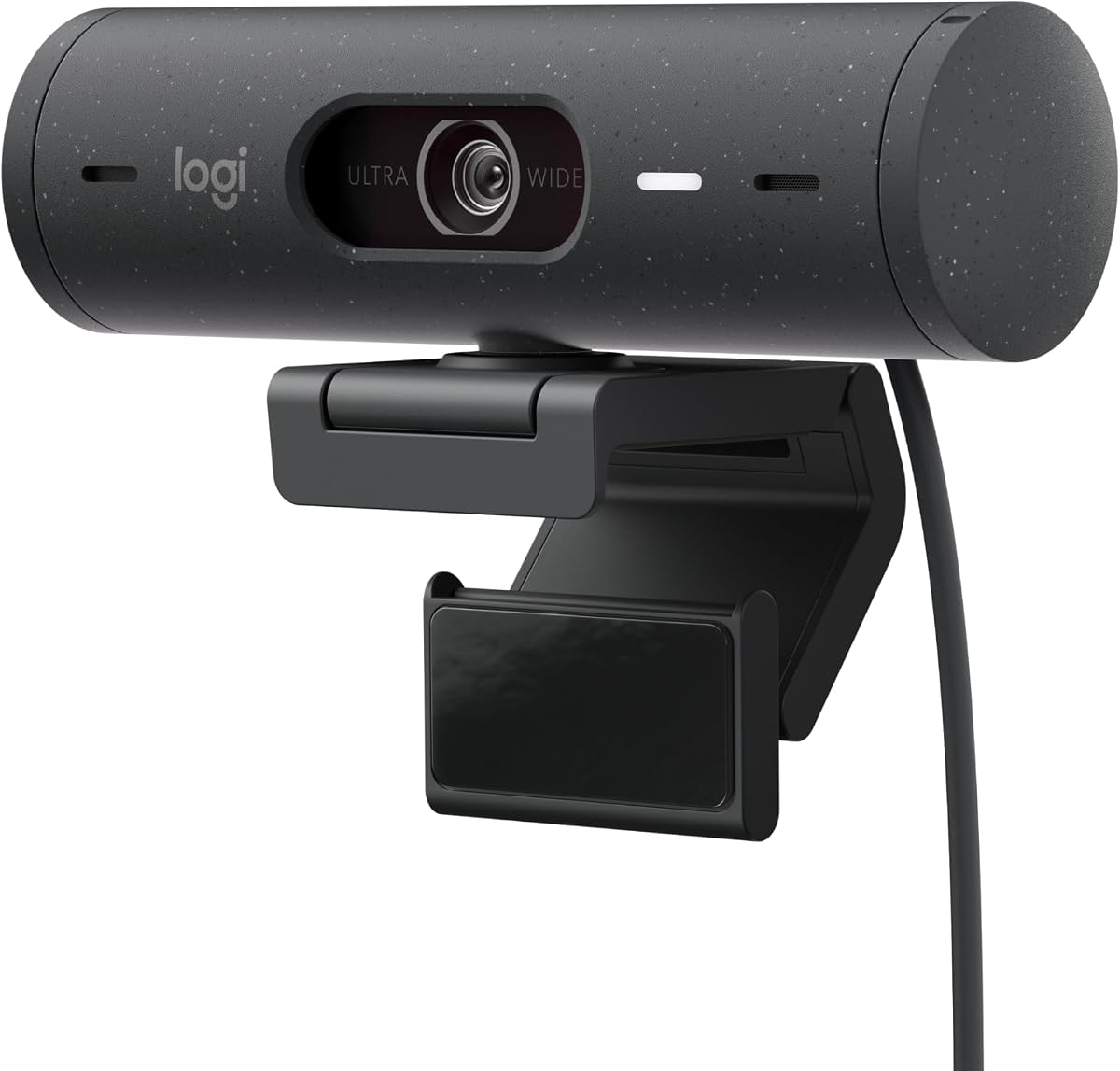
Logitech Brio 500 Full HD Webcam with Auto Light Correction
As an Amazon Associate I earn from qualifying purchases.
View Logitech Brio 500 Full HD Webcam with Auto Light Correction on AmazonYou pay the same either way.Specifications
| Resolution | Full HD |
|---|---|
| Lighting | RightLight 4 auto light correction |
| Connection | USB-C |
| Design | Compact body |
| Extra feature | Show Mode tilts to display objects on a desk |
Pros & cons
Pros
- RightLight 4 auto light correction tames backlit windows and dim rooms
- A compact USB-C body slots neatly into modern laptops
- Show Mode tilts the camera to show objects on your desk
Cons
- More features than an occasional caller strictly needs
- USB-C only, so an older USB-A-only machine needs an adapter
Skip it if
Skip it if you only call occasionally in good lighting — a simpler Full HD camera covers that without the extra features.
How we assessed it
We synthesized this
The Logitech Brio 500 earns its place on light handling. Its RightLight 4 auto light correction tames a backlit window behind you and lifts a dim room, so you stay clearly visible when the lighting is against you. The compact USB-C body slots neatly into a modern laptop, and Show Mode tilts the lens down to display an object or document on your desk. We recommend it for people who take frequent calls from rooms where the light is never quite right.
The honest trade-offs: it carries more than an occasional caller in good light strictly needs, and it is USB-C only, so an older USB-A machine needs an adapter. Our read synthesises Logitech's documented specs rather than a hands-on test — see how we test.