Dell
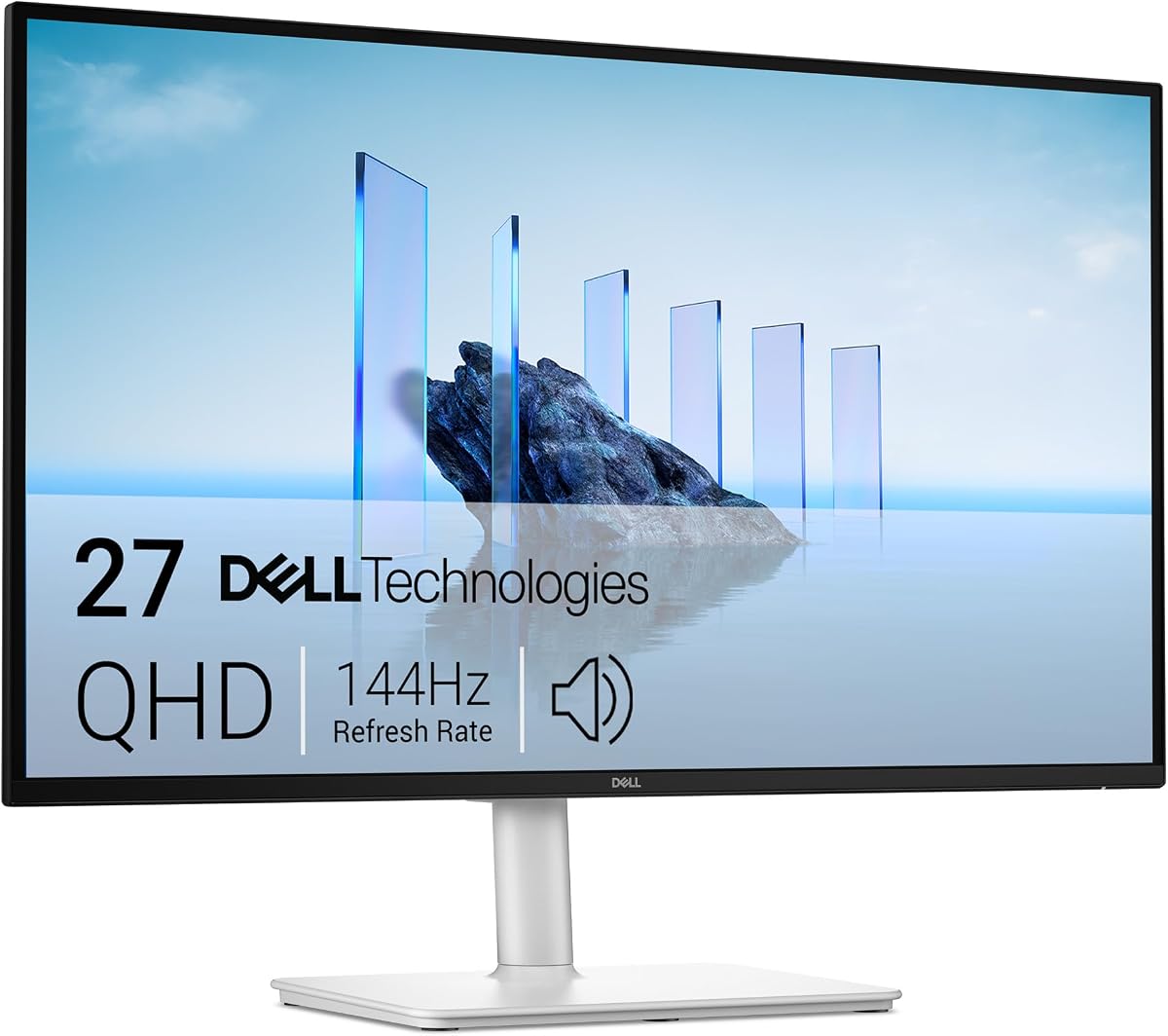
Dell 27 Plus USB-C Monitor - S2725DC, QHD (2560x1440), 144Hz, IPS, 1ms MPRT
As an Amazon Associate I earn from qualifying purchases.
View Dell 27 Plus USB-C Monitor - S2725DC, QHD (2560x1440), 144Hz, IPS, 1ms MPRT on AmazonYou pay the same either way.Specifications
| Panel | 27-inch IPS |
|---|---|
| Resolution | QHD (2560 x 1440) |
| Refresh rate | 144Hz |
| Response time | 1ms MPRT |
| Connectivity | USB-C with power delivery |
Pros & cons
Pros
- USB-C power delivery runs charge and video down one cable to a compatible laptop
- QHD (2560 x 1440) IPS panel stays sharp, with dependable colour for documents, web and light creative work
- 144Hz refresh keeps motion and scrolling smooth
Cons
- Single-cable charging relies on your laptop supporting USB-C power delivery
- Colour is pitched at general and light creative work rather than colour-critical editing
Skip it if
Skip it if you do colour-critical photo or video editing — a wider-gamut panel such as the UltraSharp U2724D will serve that work better. Also skip if your laptop cannot take power over USB-C, since the single-cable convenience depends on it.
How we assessed it
We synthesized this
The point of the S2725DC is the single cable. USB-C power delivery sends charge and video down one lead, so a compatible laptop tops up its battery and drives the screen from the same connection — the tidiest way to clear a home-office desk of clutter. The panel backs it up: a 27-inch QHD IPS screen that stays sharp with dependable colour for documents, the web and light creative work, and a 144Hz refresh that keeps scrolling and motion smooth.
Two honest conditions. The one-cable trick only works if your laptop itself accepts power over USB-C, so check that first. And the colour is tuned for general use rather than colour-critical grading — a wider-gamut panel like the UltraSharp U2724D suits photo and video editing better. Our read synthesises Dell's documented panel, refresh and USB-C power delivery rather than a hands-on test — see how we test.