Logitech
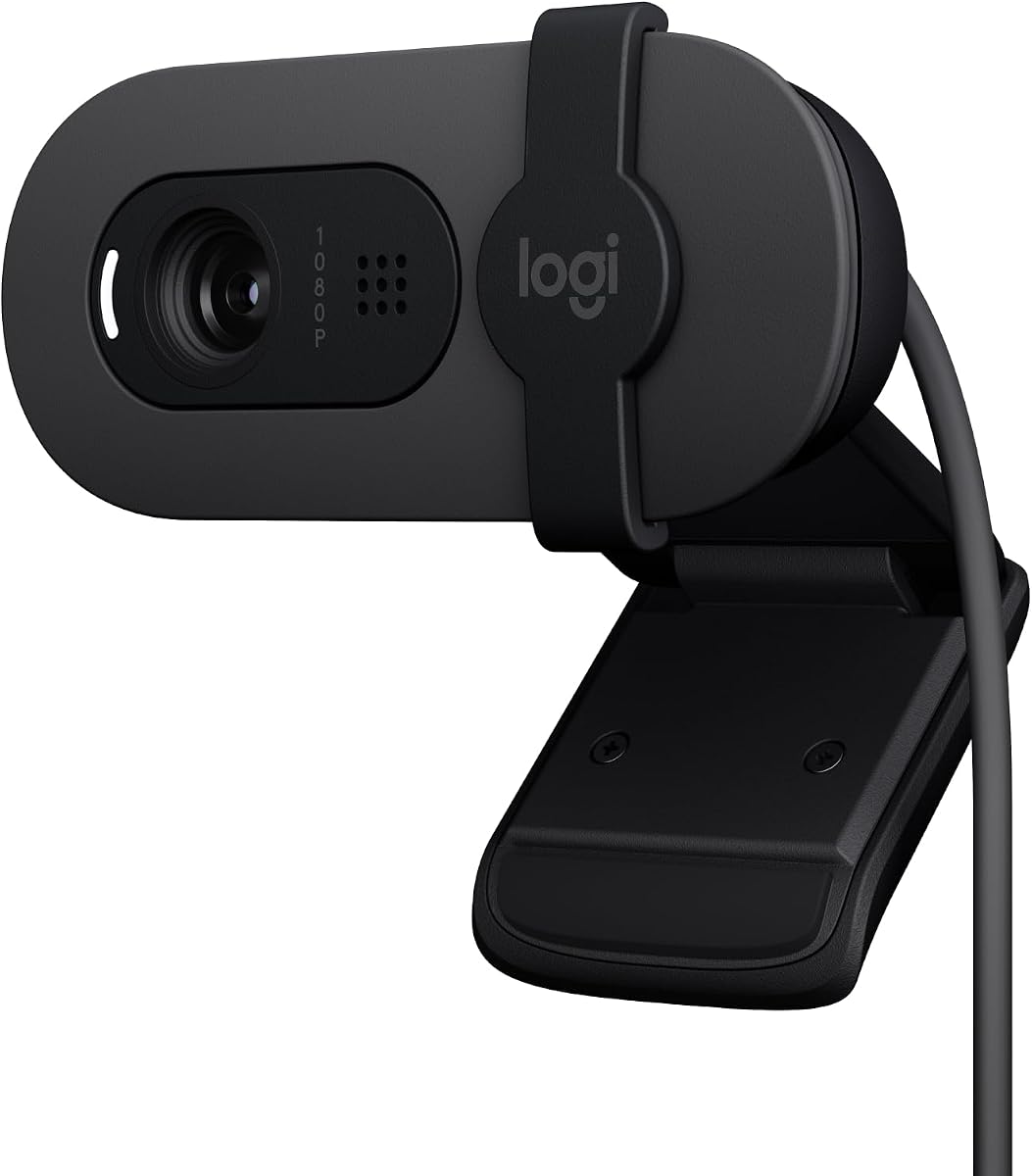
Logitech Brio 100 Full HD Webcam for Meetings and Streaming
As an Amazon Associate I earn from qualifying purchases.
View Logitech Brio 100 Full HD Webcam for Meetings and Streaming on AmazonYou pay the same either way.Specifications
| Resolution | Full HD |
|---|---|
| Focus | Fixed focus |
| Setup | Plug-and-play |
| Position in range | A simpler model in the Brio line |
Pros & cons
Pros
- Full HD image, a clear step up from a built-in laptop camera
- Plug-and-play setup with no configuration needed
Cons
- Fixed focus rather than autofocus
- Fewer features than the higher Brio models
Skip it if
Skip it if you want auto light correction or autofocus for demanding calls — a higher Brio model like the 500 adds those.
How we assessed it
We synthesized this
The Logitech Brio 100 does one job well: it lifts your image above the built-in laptop camera without asking anything of you. The Full HD sensor gives a cleaner, sharper picture on calls, and setup is genuinely plug-and-play — connect it and you are on. That makes it a sensible pick for people who join the occasional meeting and simply want to look clearer than the laptop lid allows.
The trade-offs keep it honest. It uses fixed focus rather than autofocus, so you stay within a set distance of the lens, and it carries fewer features than higher Brio models like the 500, which adds auto light correction. If your calls are demanding, step up the range. Our read synthesises Logitech's documented specs rather than a hands-on test — see how we test.